
Download Perf Control – fitness tracking, workout planner, family fitness, customizable exercises, personal stats
Overview
Perf Control is a mobile application designed to support users in managing their physical activity through a personalized fitness experience. The app targets individuals and families seeking a structured yet flexible approach to staying active, offering tools that adapt to varying fitness levels and personal goals. By emphasizing customizable statistics and multi-user profiles, Perf Control enables users to track their progress in a way that reflects their unique journey. The app’s core purpose lies in helping users maintain consistency, identify improvement areas, and stay motivated through measurable outcomes. It is particularly suited for households where multiple family members wish to engage in fitness routines without overlapping data or conflicting goals.
Although the developer did not provide additional technical details, the app’s focus on personal stats and family-friendly functionality suggests a design rooted in accessibility and inclusivity. Real-world use cases include daily exercise logging, setting long-term fitness objectives, and fostering healthy competition or cooperation within a family unit. In the broader app ecosystem, Perf Control fills a niche for lightweight, free fitness tools that prioritize personalization over complex analytics. Its release in 2007 marks it as an early entrant in the health and fitness category, reflecting a time when mobile fitness apps were still emerging. Despite its age, the app continues to serve users who value simplicity and control over their workout data.
Key Features & Functionality
- Personalized Fitness Statistics: Users can generate custom fitness metrics based on ongoing activities. By inputting data such as exercise type, weight, and height, the app plots progress over time, enabling users to monitor improvements and adjust routines accordingly.
- Multi-User Profiles: The app supports multiple user accounts, allowing each family member to maintain independent profiles. This feature ensures that individual goals and progress are preserved without interference, promoting shared wellness efforts.
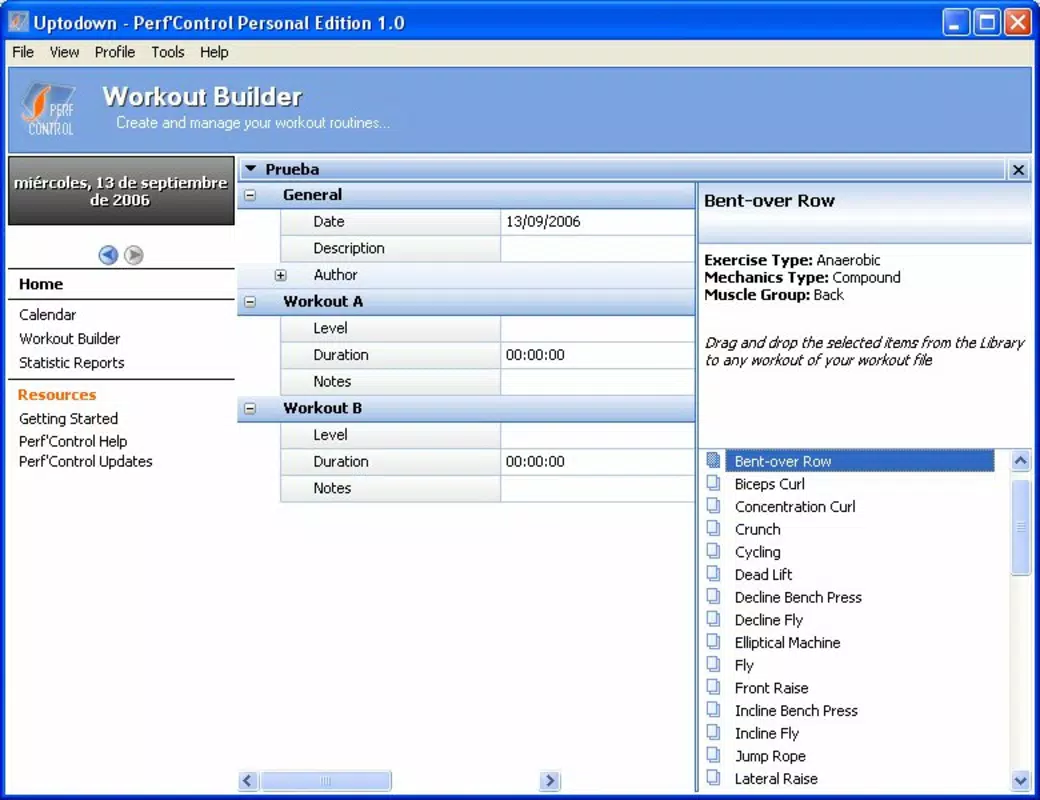
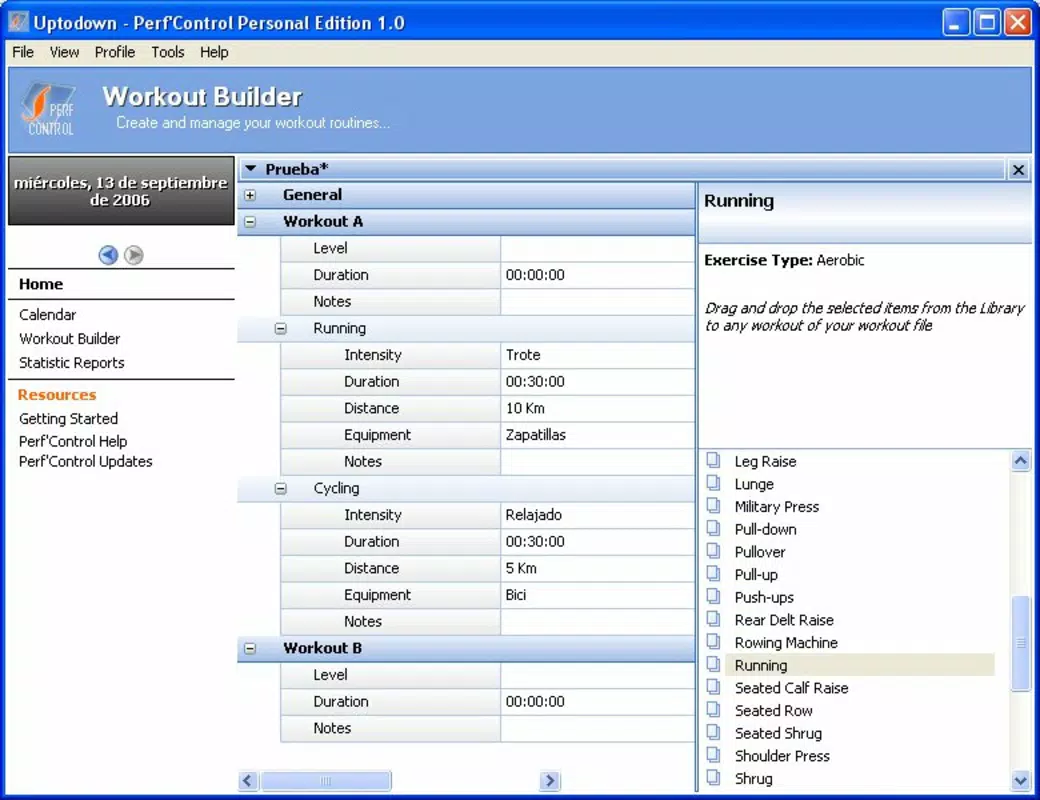
- Diverse Exercise Options: Perf Control offers a range of exercises and activities, with customizable durations and difficulty levels. This flexibility allows users to select workouts that match their preferences and current fitness stage.
- Customizable Exercise Settings: Each exercise can be tailored by selecting required accessories and adjusting the intensity level. This dynamic configuration ensures that workouts remain challenging and relevant as users progress.
- Progress Tracking: The app emphasizes continuous monitoring of key fitness indicators. Regular updates to user profiles help visualize long-term trends, celebrate milestones, and reinforce commitment to fitness goals.
For example, a parent can set up a profile for their child with low-intensity exercises, while simultaneously tracking their own high-intensity routine. The app’s ability to adapt to different fitness levels makes it suitable for both beginners and those with established routines. The integration of personal stats and customizable options supports a data-driven approach to fitness, helping users stay accountable and informed.
Interface, UX & Performance
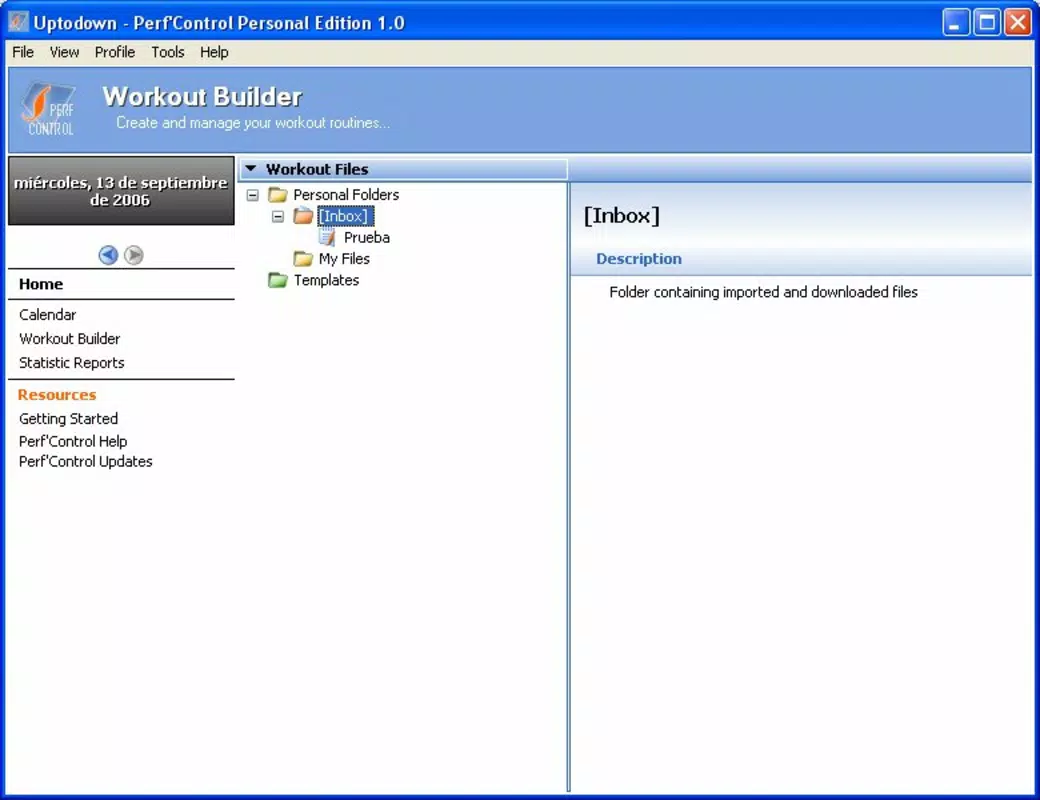
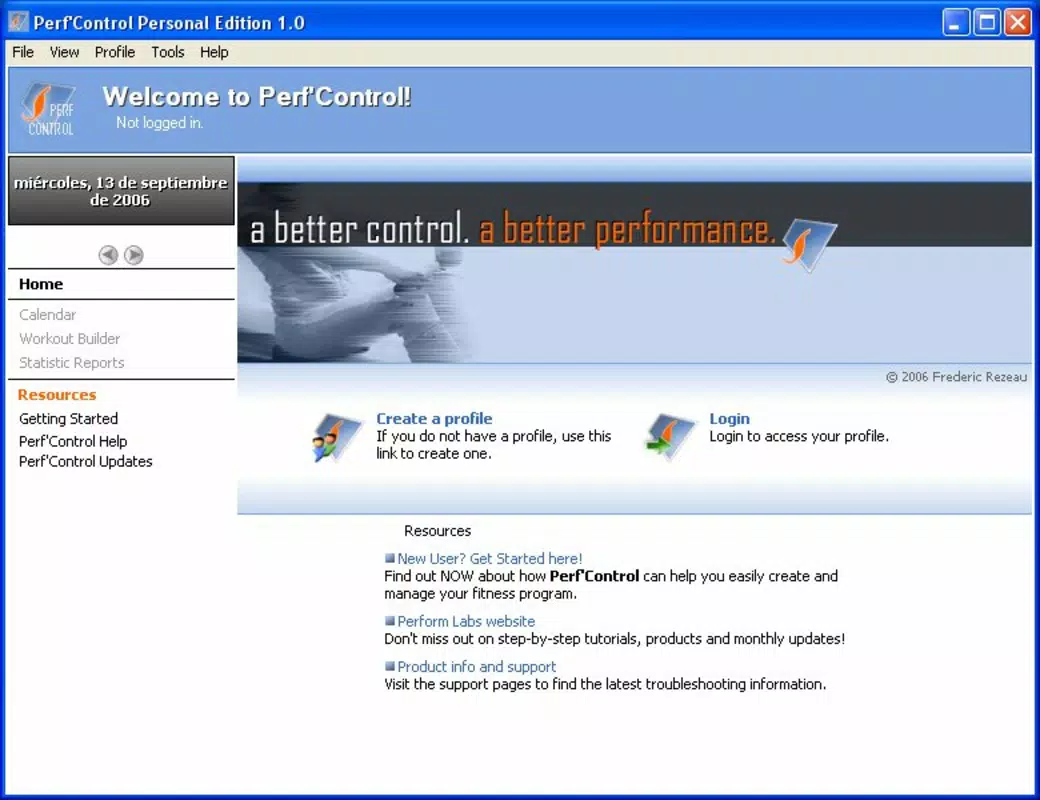
The user interface of Perf Control appears to be designed with simplicity and functionality in mind. While specific details about layout and visual style were not provided, the app’s lightweight nature—2.1 MB in size—suggests a streamlined design optimized for performance on older or low-end Android devices. Navigation likely follows a linear flow, guiding users through profile setup, exercise selection, and progress review with minimal friction.
Although the developer did not list formal performance metrics, the app’s small file size and long-standing presence on the platform indicate a stable and reliable operation. Users can expect responsive interactions, with minimal lag during data entry and profile updates. The app’s stability is likely maintained through consistent updates, though no specific update frequency was disclosed. Compatibility with a wide range of Android devices is probable due to its minimal system requirements, though exact specifications were not provided.
Platform Compatibility & Technical Requirements
Perf Control is available exclusively on the Android platform. The app’s current version is 1.0, with a file size of 2.1 MB. It is offered at no cost, making it accessible to a broad audience seeking free fitness tools. The developer did not specify minimum OS requirements or hardware compatibility details, so users should exercise caution when installing on devices with outdated Android versions.
Given the app’s release date of April 4, 2007, it may not support the latest Android features or security protocols. However, its continued availability suggests it remains functional on older systems. Users should verify compatibility with their device’s OS version before downloading. For those using modern Android devices, the app may still operate, but performance and security cannot be guaranteed without official confirmation.
Pros and Cons
Pros
- Free to download and use, making it accessible for budget-conscious users.
- Supports multiple user profiles, ideal for family use and shared fitness goals.
- Offers customizable exercises and settings for personalized workouts.
- Lightweight file size (2.1 MB) ensures minimal storage impact.
- Focuses on personal stats and progress tracking for motivation and accountability.
Cons
- Outdated release date raises concerns about modern security and compatibility.
- Developer did not provide detailed technical specifications or OS requirements.
- No visible integration with wearable devices or cloud sync features.
- Limited visual feedback or advanced analytics in the interface.
- Age of the app may result in outdated design and user experience.
FAQ
Is Perf Control safe to download and install?
Yes, the app is free and available through official Android channels. However, due to its release date in 2007, it may not meet current security standards. Users should ensure their device’s OS is compatible and consider risks associated with outdated software.
Can I use Perf Control on iOS devices?
Currently, Perf Control is only available for Android. The developer did not list any iOS version or plans for cross-platform release.
How often should I update my fitness profile?
Users are encouraged to update their profile regularly—ideally after each workout—to ensure accurate progress tracking and meaningful data visualization.
Does Perf Control require internet access?
The app functions offline for core features like exercise logging and stats tracking. However, no information was provided about cloud sync or data backup capabilities.
Is Perf Control suitable for beginners?
Yes, the app’s customizable exercise settings and multi-user profiles make it suitable for users at all fitness levels, including beginners seeking a simple, structured approach to fitness.
Final Thoughts
Perf Control stands out as a lightweight, free fitness companion that prioritizes personalization and family use. Despite its age, the app continues to offer core functionality that supports consistent physical activity through customizable statistics, multi-user profiles, and flexible exercise planning. While it lacks modern features like cloud integration and advanced analytics, its simplicity and low resource usage make it a viable option for users with older devices or those who prefer minimalistic tools. The app is particularly valuable for families aiming to stay active together without the complexity of larger fitness platforms.
For users seeking a straightforward, no-cost solution to track fitness progress and manage routines across multiple profiles, Perf Control remains a relevant choice. Its long-standing presence in the Android ecosystem speaks to its reliability and enduring utility. While not optimized for today’s mobile standards, it delivers on its promise of empowering users to manage their physical activity at their own pace.
Download Perf Control now


